Freeshipping for over $70 purchase

On this page
Key takeawaysWhat Creates a PLA Matte Finish?Why Every PLA Matte Finish Review Praises Layer HidingTrendy Colors for Matte PLA Decor: Bone White, Caramel, and Desert TanSlicer Settings for the Best Matte ResultsIs the PLA Matte Finish Price Worth the Upgrade?ConclusionFrequently Asked Questions about PLA Matte FinishShop the filamentsKey takeaways
To get the best PLA matte finish and hide layer lines, you should print with a matte-specific filament, lower your nozzle temperature by 5 to 10 degrees, and slow down your print speed. Because matte materials absorb light instead of reflecting it, they instantly make standard 3D printing layer lines disappear, leaving you with a smooth, retail-ready home decor piece.
Are you tired of spending twenty hours on a large print, only for it to look like a cheap, shiny plastic toy? For makers and home decor enthusiasts, that glossy plastic shine is the biggest enemy of a professional-looking project.
If you want your custom designs to look like expensive ceramic or sculpted clay, you need to eliminate that shine. The good news is that you no longer need toxic spray paints, messy sandpaper, or hours of post-processing to do it.
By upgrading to a matte filament and tweaking a few simple slicer settings, your printer can do all the hard work for you. Let’s dive into exactly how you can hide ugly layer lines and achieve a flawless, paint-free finish.
What Creates a PLA Matte Finish?
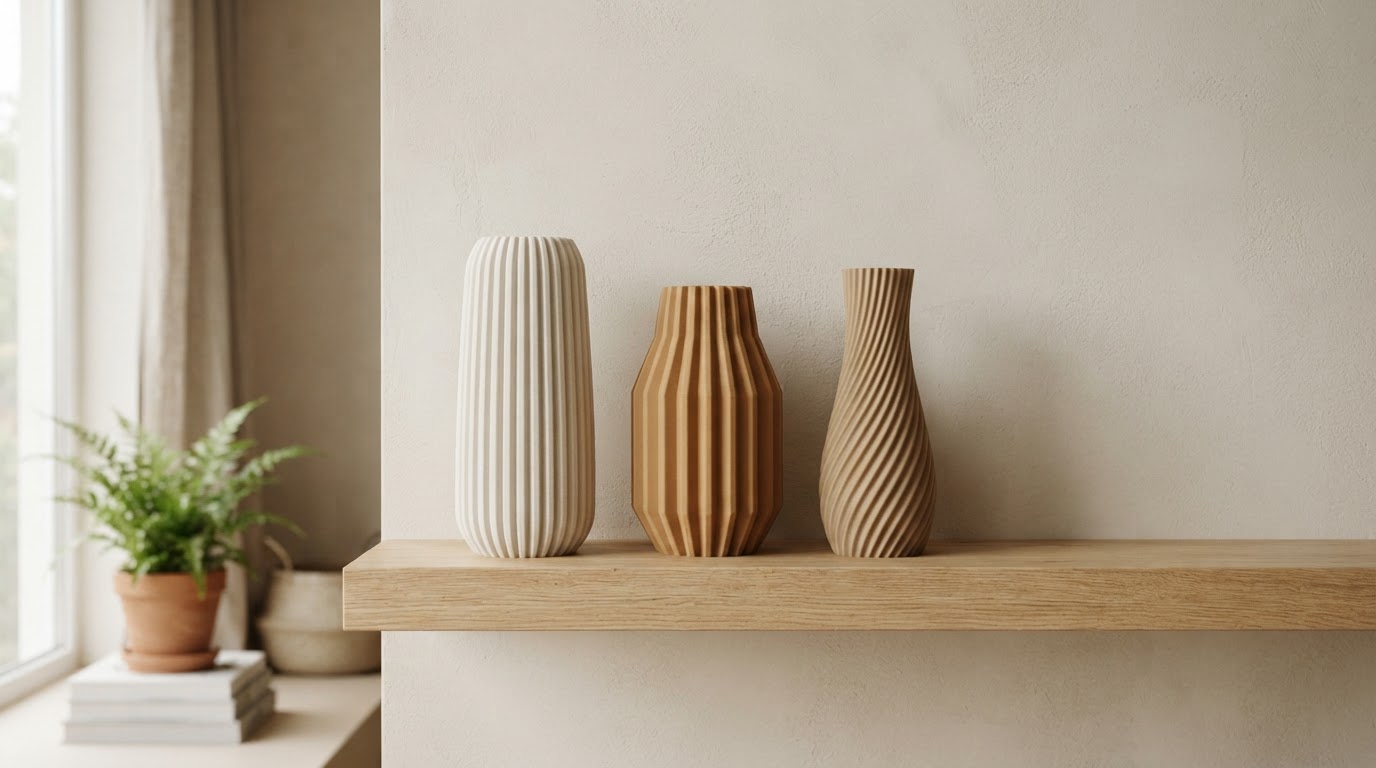
Standard PLA is naturally very shiny. To create a true pla matte finish, manufacturers mix special microscopic additives into the raw plastic.
These tiny additives change the surface texture of the plastic as it melts. Instead of drying perfectly smooth, the plastic dries with a microscopic roughness that scatters light.
- Think of standard PLA like a glossy photograph, and matte PLA like a canvas painting. When you hold a glossy photo up to the light, the glare is so harsh that it is hard to see the picture. A canvas painting, however, absorbs the light smoothly from every angle, making the colors look rich and deep.
Because it scatters light, a high-quality matte filament completely masks the tiny ridges left behind by your printer.
💡 Pro Tip: If you want to explore more ways to upgrade your bare plastic prints, check out our guide on the 7 Best Effect Filaments for Paint-Free Prints.
Why Every PLA Matte Finish Review Praises Layer Hiding
If you read any pla matte finish review online, the number one benefit people mention is the “magic” disappearance of layer lines. But it is not magic; it is just how lighting works.
When light hits a shiny object, it highlights every single scratch, bump, and ridge. Because 3D printers build objects by stacking hundreds of tiny plastic lines on top of each other, shiny filament acts like a spotlight on those lines.
- Think of layer lines like wrinkles on a piece of clothing. Shiny standard PLA is like a tight silk shirt; every single wrinkle and fold is instantly visible to everyone. Matte PLA is like a thick, cozy cotton sweater; the material’s natural texture completely hides the wrinkles, making it look perfectly smooth.
By absorbing the light, the ridges between your printed layers become totally invisible from a few feet away. This is why DART3D’s premium effect filaments are the benchmark for high-quality, dry materials in the 3D printing community. Their matte line offers an incredibly flat, shine-free surface that perfectly mimics expensive ceramics.
Trendy Colors for Matte PLA Decor: Bone White, Caramel, and Desert Tan
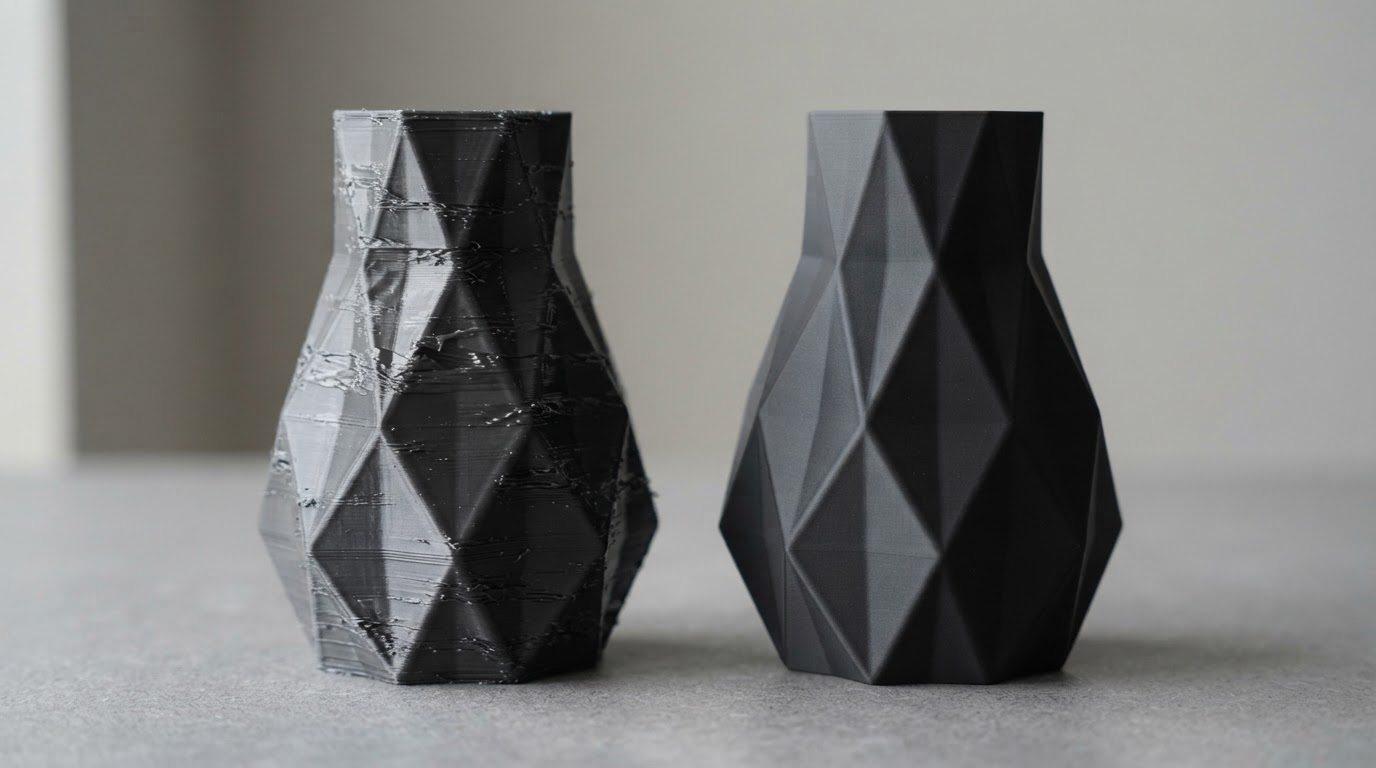
When printing items for your living room or office, neon green and bright glossy red usually look out of place. Matte filaments shine best when they use muted, earthy tones that match modern interior design trends.
For example, using pla matte bone white is perfect for printing classical busts, minimalist face planters, or geometric desk organizers. It gives the exact appearance of unglazed porcelain or plaster.
If you are printing faux-leather accessories, rustic coasters, or cozy autumn decor, a warm pla matte caramel provides a rich, inviting aesthetic.
For fans of tactical gear, outdoor tools, or neutral modern art, a matte desert tan pla offers a rugged, sand-blasted look that pairs perfectly with wooden accents.
💡 Pro Tip: Earthy matte colors look incredible when placed next to realistic wooden prints. Learn how to create these textures in our Honest Wood PLA Review: What to Know Before Purchasing.
Slicer Settings for the Best Matte Results
Even with the best material, you still need to tell your printer how to handle it properly. The biggest mistake beginners make is printing their matte filament at the exact same temperature as their standard glossy filament.
If your nozzle is too hot, it will actually burn off the matte additives and make the plastic shiny again.
- Think of printing temperature like melting butter in a frying pan. If you crank the stove heat up to maximum, the butter violently bubbles, turns brown, and gets a glossy, greasy shine. If you turn the heat down to medium, the butter melts smoothly and keeps its creamy, opaque look.
Follow these slicer settings for a perfect matte finish:
- Lower the Temperature: Drop your normal printing temperature by 5°C to 10°C. Printing cooler prevents the plastic from getting a glossy sheen.
- Slow Down the Speed: Reduce your outer wall speed to around 40mm/s to 50mm/s. Printing slower allows the plastic to cool evenly, ensuring a consistent matte texture without shiny patches.
- Increase Cooling: Make sure your part cooling fan is set to 100%. Fast cooling freezes the plastic before it has a chance to settle and become glossy.
💡 Pro Tip: Matte filament is absolutely perfect for printing seamless, single-wall decor. To master this technique, read our guide on Vase Mode Secrets: How to Get the Clearest Prints.
Is the PLA Matte Finish Price Worth the Upgrade?
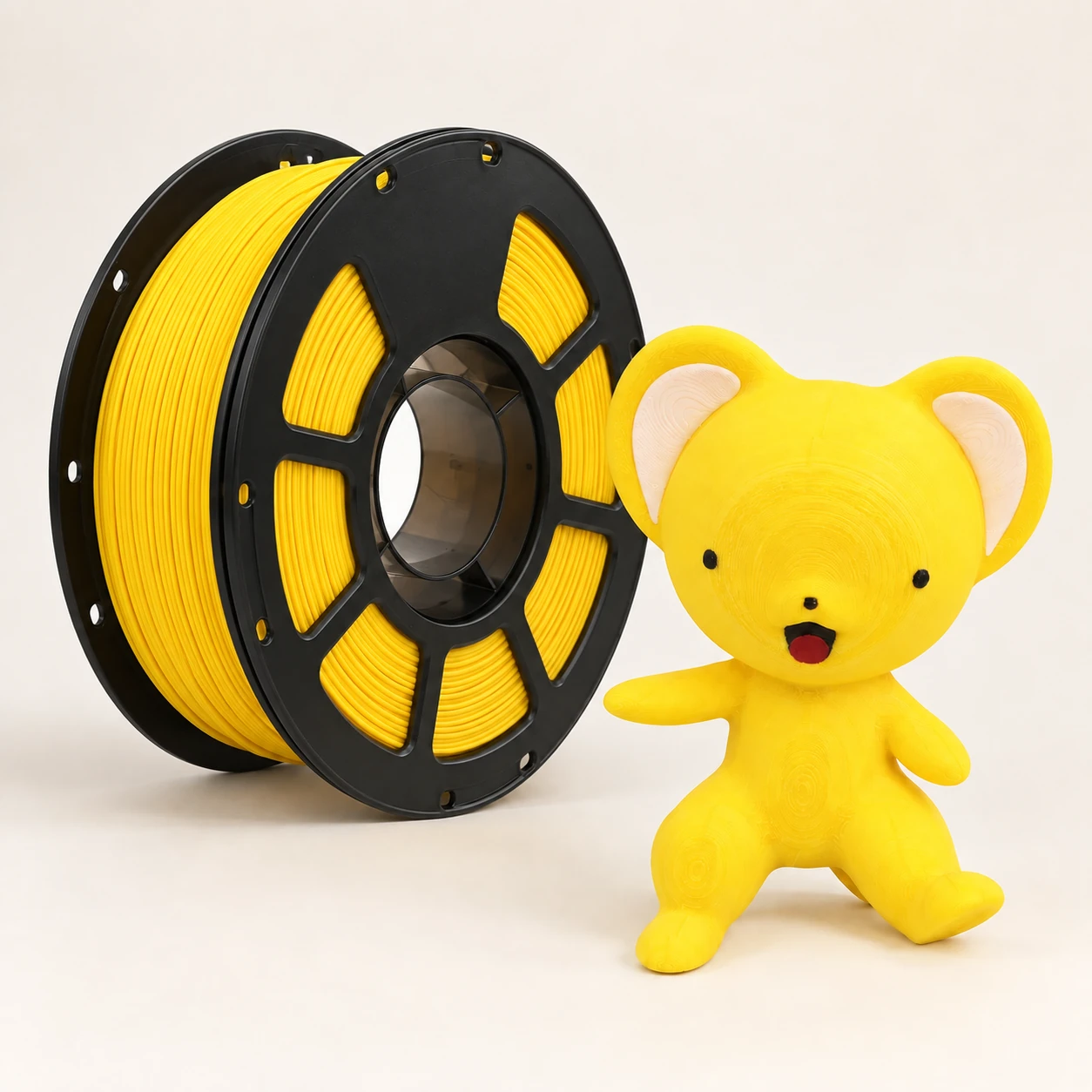
When shopping for materials, you might notice that the pla matte finish price is slightly higher than standard, cheap PLA. You might be wondering if spending the extra $5 to $10 a spool is actually worth it.
For makers focused on aesthetics and home decor, the answer is a resounding yes. The time you save on post-processing is worth far more than the slight price difference.
If you use standard PLA, you have to buy sandpaper, spray primer, and matte paint just to get the same look. By choosing a premium brand like DART3D, you get a perfectly dry, ready-to-print spool that saves you hours of messy labor.
You can pull a beautiful, retail-ready ribbed lamp base right off the printer and put it directly on your bedside table.
Conclusion
Hiding layer lines used to be the hardest part of 3D printing, requiring endless hours of sanding and painting. Today, simply switching to a matte filament allows you to produce stunning, professional-grade home decor right on your print bed.
By lowering your temperature slightly and choosing beautiful earthy colors, your prints will look like expensive ceramics or carved stone. When you are ready to completely transform your designs, trust DART3D to provide the highest-quality matte materials for a flawless, paint-free finish every single time.
Frequently Asked Questions about PLA Matte Finish
Does PLA have a matte finish?
Standard PLA naturally has a glossy, shiny finish when it melts and cools on the print bed. To get a flat, non-reflective matte finish, you must purchase specially formulated Matte PLA, which contains tiny additives that scatter light and remove plastic shine.
How to make PLA look matte?
If you only have standard glossy PLA, you can make it look matte by sanding the final print with high-grit sandpaper (like 400-grit) to scratch the surface. Alternatively, you can spray the finished plastic model with a clear, matte acrylic spray paint to instantly kill the shine.
Is matte PLA as strong as PLA?
No, matte PLA is slightly weaker and more brittle than standard PLA. The additives that create the beautiful, shine-free texture also interrupt the strong bonds of the plastic. It is highly recommended for decorative home decor, but should not be used for heavy mechanical parts.
Is there a difference between PLA and PLA Matte?
Yes, the main difference is the visual appearance and texture. Standard PLA is strong, slightly flexible, and very shiny, which highlights ugly layer lines. PLA Matte is slightly more brittle but features a completely flat, non-reflective surface that brilliantly hides layer lines and looks like ceramic.
Is PLA Matte worth it?
If your goal is to print aesthetic props, statues, or home decor, PLA matte is absolutely worth the slightly higher price. It completely eliminates the need for messy sanding, priming, and painting, allowing you to pull a beautiful, retail-ready product straight off your printer.